Mobile craft and camera choices
Create With What You Carry
A camera becomes useful through familiarity. Learn what your current tool does well before deciding which limitation is worth paying to remove.
Make the simple improvements first
Clean the lens with an appropriate soft cloth. Fingerprints can lower contrast and create distracting flare, especially around bright lights. Hold the phone with both hands when practical, keep a stable stance and release the shutter without jabbing the screen. A timer can help when the device rests on a secure support.
Before changing settings, change your position. A small move can separate the subject from a cluttered background or avoid a bright reflection. Step back if a close wide-angle view exaggerates the nearest features. Perspective is governed by your position relative to the subject, not by a pleasing label in the camera app.
Use available window light for an easy practice session. Turn your subject or move around it to compare side light, front light and backlight. Avoid unsafe perches or placing equipment where it could fall.

Learn focus and exposure on your device
Many camera apps let you tap to choose a focus area and adjust exposure nearby. Some offer a press-and-hold lock, but behavior differs by device and app. Check your own controls rather than assuming a gesture works everywhere. Make a test frame and inspect the result.
With a bright window in the scene, decide which tones matter most. Lowering exposure may preserve the outdoor view while leaving the room dark. Raising it may reveal the room but lose highlight detail. A phone's HDR processing can combine information from multiple frames, yet moving subjects may create artifacts. Review edges and fine detail instead of trusting the preview alone.
Use the main camera as a baseline. Additional camera modules can offer genuinely different fields of view, while intermediate zoom settings may rely on cropping or computational processing. Results vary. Compare your own files in similar light and at the size you intend to share them.
Low light and moving subjects ask different things
A stationary scene can benefit from a supported phone and a night mode that combines several exposures. A moving person may blur during the same process. A steady device does not freeze a moving subject. Seek better light, anticipate a pause or accept motion as part of the picture.
Portrait modes estimate subject boundaries to simulate shallow depth of field. Examine hair, glasses, foliage and gaps between objects for unnatural transitions. If the effect distracts, a straightforward capture may communicate more clearly. Blur is not a substitute for choosing a supportive background.
Compare tools around a real task
“Which camera is best?” becomes more useful when you add a task: photographing an indoor performance, making a daily visual diary, or printing a detailed landscape. A phone may be the strongest practical choice for spontaneous notes and immediate sharing. A dedicated camera may offer controls, lens choices or handling that better suit repeated specialist work.
Consider the whole kit, not only the body. Include the lenses you need, a way to carry them, batteries, storage and time spent transferring files. An interchangeable-lens camera left at home cannot help with the scene you notice during an ordinary walk.
Manufacturers such as Canon, Nikon, Sony, Fujifilm, OM System and Panasonic offer different systems and handling approaches. Apple, Google and Samsung phones also differ across models and generations. Brand names alone are not a meaningful performance test.
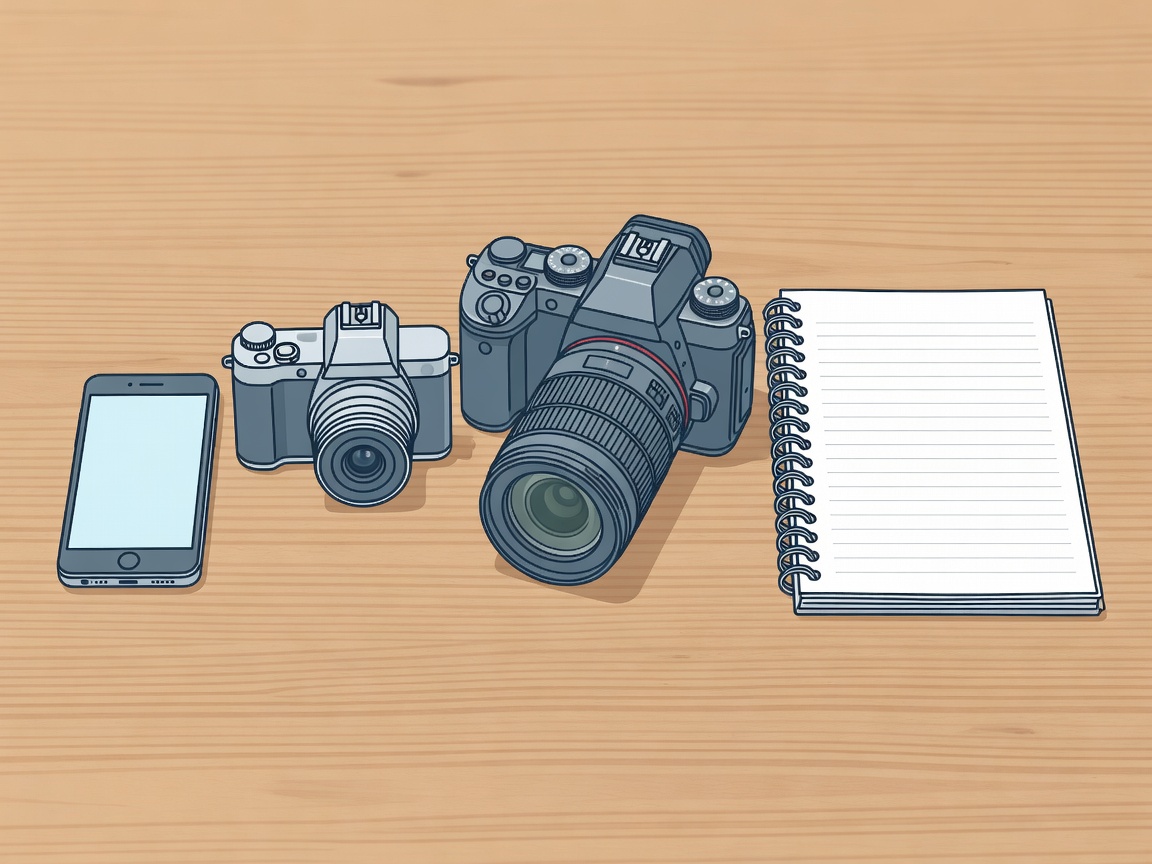
A practical comparison reference
| Tool | Often useful for | Check before choosing |
|---|---|---|
| Phone | Everyday observation and quick sharing | Lens options, processing artifacts, handling and file access |
| Compact camera | A dedicated tool with a small carrying footprint | Sensor and lens combination, controls, autofocus and battery life |
| Interchangeable-lens camera | Specialist lenses and direct control | Total kit size, suitable lenses, autofocus behavior and workflow |
Do not rank image quality by megapixels alone. Sensor characteristics, lens performance, processing, focus accuracy and technique all affect the result. Likewise, stabilization can reduce camera shake but cannot stop subject movement.
Run a small comparison before buying
If you can borrow or try equipment, photograph the same stationary subject in the same light from the same position. Match framing as closely as practical, note any processing differences and compare at a realistic output size. Add a moving-subject test if that is central to your work.
Write down the limitation you actually encounter. Is it missed focus, an uncomfortable grip, insufficient reach or simply unfamiliar controls? Some problems call for equipment; others call for practice. A clear diagnosis makes both learning and buying less frustrating.
Finish by repeating the three-distance prompt using only the camera you already carry. Put the files away for a day, then judge attention, light and relationships before inspecting technical flaws. Your strongest next step may be another walk rather than another purchase.