The edit studio
Interpret the Image
An edit is an interpretation, not an apology. Decide what the photograph should communicate, then make the smallest useful changes toward that intention.
Begin with a sentence, not a preset
Open a photograph and describe what matters before touching a slider. “I want the small plant to feel calm within a busy room” is a workable intention. “Make it better” gives you no way to decide when you are finished. Your sentence can concern attention, atmosphere, texture or a relationship between subjects.
Identify what already supports the idea. Perhaps the light is gentle, the background has a pleasing rhythm, or an imperfect edge adds context. Protect those qualities. An edit that removes every irregularity can also remove the reason you liked the photograph.
The controls below appear in different forms in Adobe Lightroom, Adobe Camera Raw, darktable, RawTherapee, GIMP and Snapseed. Names and available features vary by version. Learn what a control changes rather than memorizing a universal slider value.
Keep a safe way back
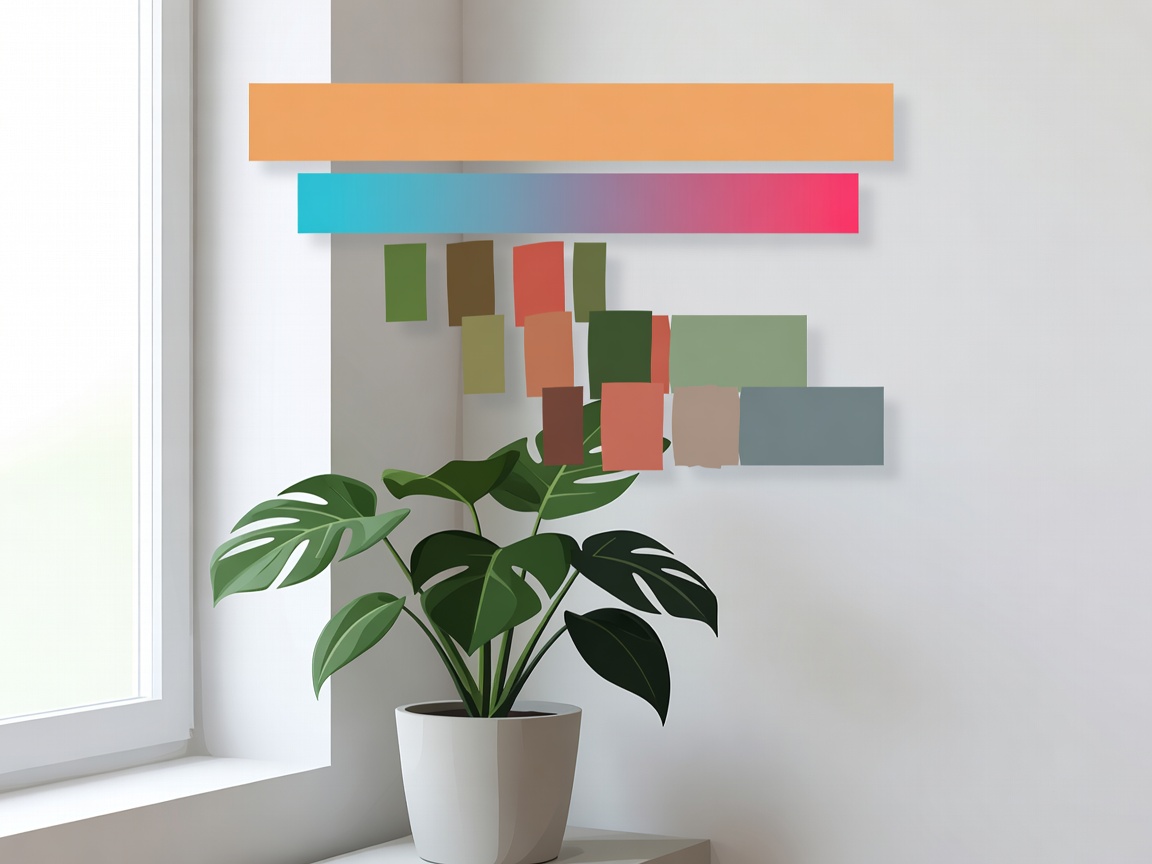
Preserve the original file and work non-destructively where your software supports it. Use adjustment layers, a virtual copy, a sidecar workflow or a separate working file. An exported JPEG is useful for sharing, but it should not become your only surviving version.
RAW files often allow more flexibility for white balance and tonal adjustment than already-rendered JPEGs, but they do not make every mistake recoverable. Completely clipped detail cannot be restored merely by choosing a different format. A carefully exposed JPEG can still be a strong starting point.
A measured editing sequence
- Set the frame. Correct an unintended tilt and test a crop. Check whether the crop strengthens the intended relationship or simply makes the subject larger. Keep the uncropped version available.
- Establish overall brightness. Adjust exposure while watching the image and histogram together. A histogram describes the distribution of tones; it does not prescribe the correct mood for every scene.
- Shape the tonal range. Adjust highlights, shadows, whites and blacks gradually. Deep shadows may belong in the scene. Lifting everything can flatten the separation that gives an image depth.
- Choose a color interpretation. Set white balance with care, then refine saturation or individual colors if needed. Neutral is an option, not the only legitimate interpretation of warm evening light.
- Guide attention locally. Use a restrained mask, brush or gradient to support the subject. Inspect edges for halos and compare the adjustment switched on and off.
- Finish for the destination. Apply suitable noise reduction and sharpening, then export a separate sharing copy. Judge the result at its intended viewing size.
Try a quiet-light interpretation
For a window-lit still life, first reduce any highlight distraction that competes with the subject. If the background is visually busy, a subtle local brightness reduction may help more than a dramatic global contrast increase. Preserve enough shadow detail to keep the object grounded in its setting.
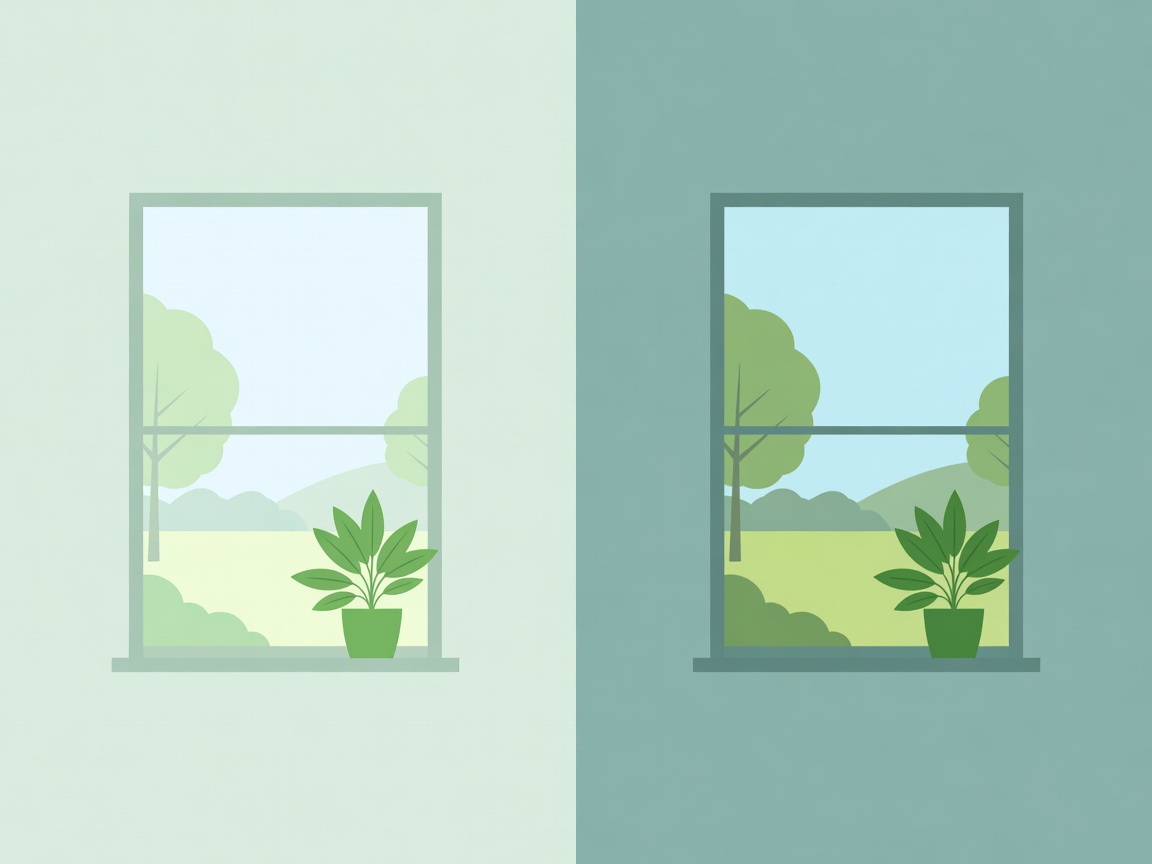
Next, compare a slightly warmer rendering with a more neutral one. Ask which version supports your sentence rather than assuming warmth always means comfort. Skin, paint and reflected surfaces can react differently to the same adjustment. Inspect important colors individually.
Finally, pause. Look away from the screen, return at a smaller viewing size and compare with the starting point. Your eyes adapt quickly to strong color and contrast. A short break can reveal that the most recent adjustment was not actually necessary.
Use creative techniques honestly
Black-and-white conversion can emphasize shape and tonal relationships, but it will not automatically rescue weak separation. Compare the subject and background in grayscale before committing. Selective color adjustments can help distinguish similar tones without extreme global contrast.
Compositing, object removal and generative changes require a different conversation from basic tonal work. Disclose meaningful alterations when sharing, and follow the destination's rules. Documentary, scientific and competition contexts may impose stricter limits than a personal creative exercise. Do not present a constructed scene as an unaltered record.
Export with the viewer in mind
For many web destinations, an sRGB export is a practical choice; follow the platform's current recommendations for dimensions, file type and file size. Keep your high-quality working version separate. Review whether location metadata should be removed before posting, especially for photographs made at home.
Check sharpening at both a detailed view and the final display size. Crunchy edges, exaggerated skin texture and noisy shadows often signal that finishing adjustments have gone too far. There is no single sharpening amount that suits every camera, subject and output.
Save a short edit note: intention, important adjustments and one unresolved question. That note turns a private slider session into a useful learning conversation. If feedback suggests a different interpretation, make a separate version rather than overwriting your first decision.